
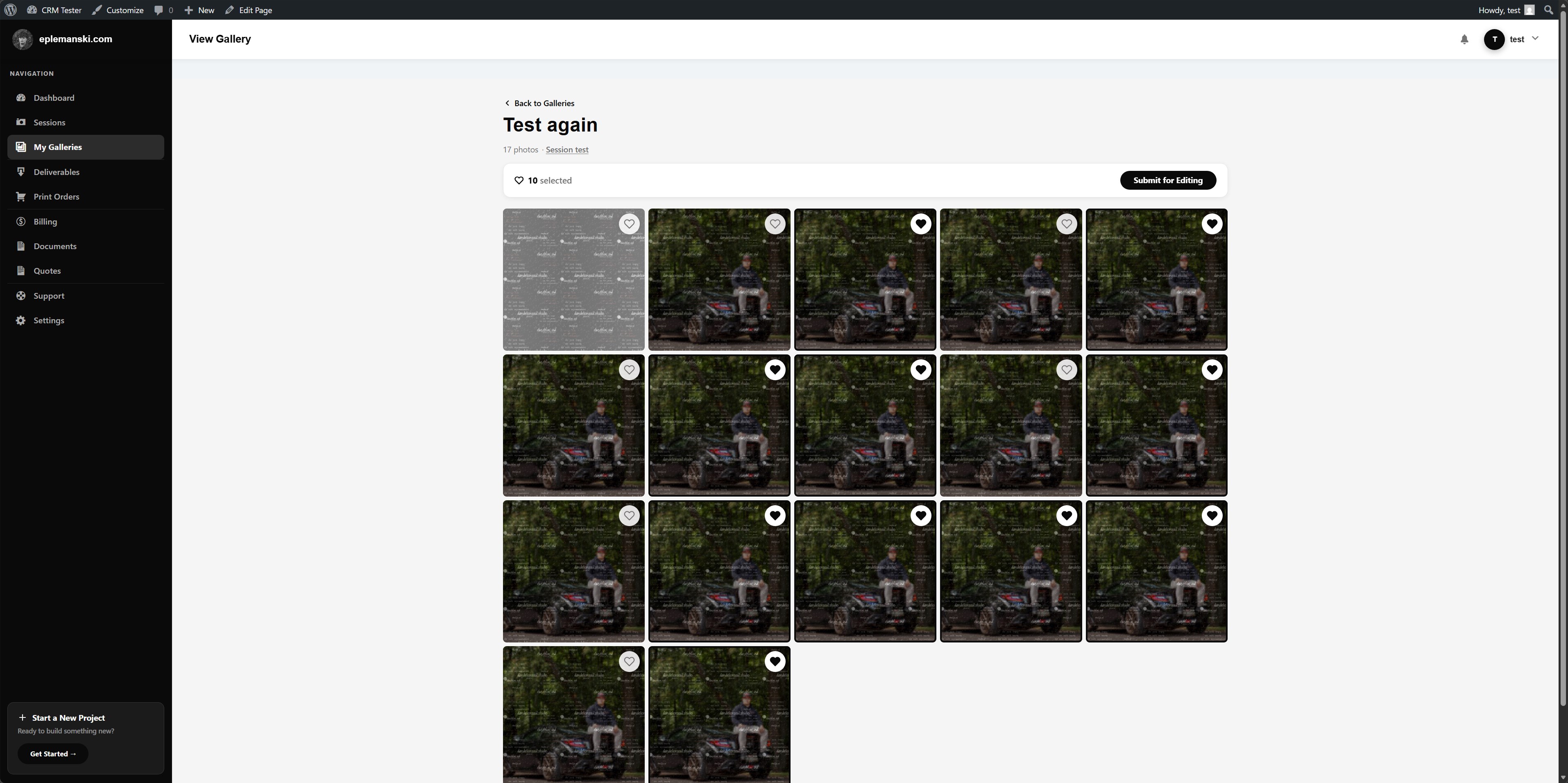
Mankai galleries are stored as plugin-owned records with structured image data. Each image can track original URL, watermarked URL, thumbnail URL, sort order, selection state, notes, and print order choices.
Core Gallery Settings
- Session ID
- Client user
- Gallery status
- Watermark enabled
- Protection enabled
- Selection enabled
- Selection limit
- Print ordering enabled
Watermarking
Mankai supports generated watermarked images using your configured watermark asset. Watermark settings include:
- Watermark image
- Position
- Opacity
- Size percent
Watermarked files are cached in uploads. If you change watermark settings, regenerate the gallery watermarks so the new output matches your new rules.
Image Management
Gallery images can be added in bulk, reordered, and removed. Mankai stores sort order directly in the gallery image array so the client sees images in the intended sequence.
One Gallery Per Session
Mankai enforces one primary gallery per session. Replacement flows are handled as explicit delivery workflows, not as endless duplicate galleries for the same session.
Public Links
Mankai can generate a public token for gallery viewing. Public access still depends on the correct token and the gallery status. This is useful when you need a controlled share link without forcing standard login flow.
Use Public Links Carefully
- Only use them when client login is not the right experience
- Do not confuse public links with totally open media URLs
- Revoke or rotate access if you no longer want the gallery public
Try Mankai on your own site
Everything in these docs runs on a $149/yr license. Unlimited clients, your server, your data.
See pricing